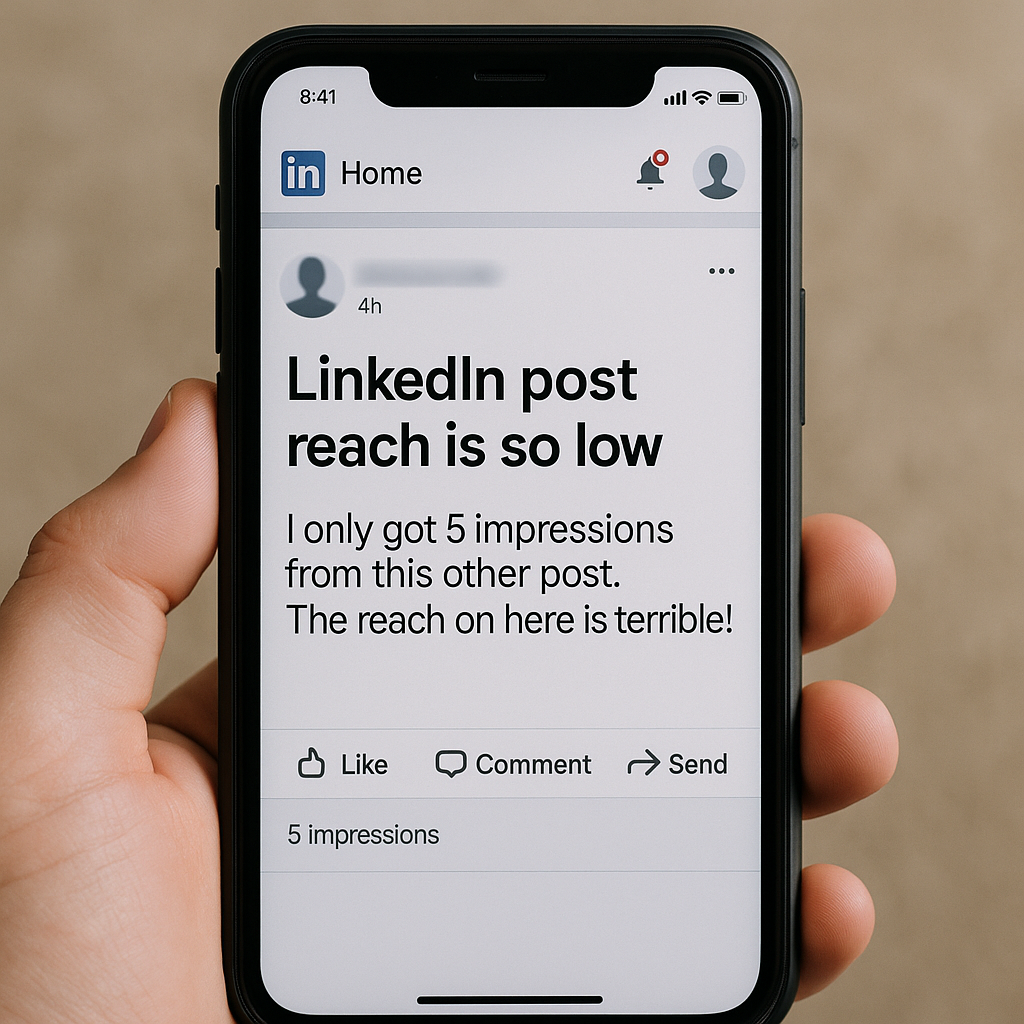
It’s disheartening to pour time and heart into a big launch post on LinkedIn, and then see it reach only a small fraction of your network. You might ask yourself: Is LinkedIn just hiding me? The truth is, the algorithm isn’t against you, but it does follow signals and patterns that many creators don’t fully realize they can influence.
In this post, I’ll walk you through why a post from an account with ~1.5 K followers might only show to ~100 people, and give you actionable steps to help improve reach next time. Think of this as your launch post playbook.
What’s really going on behind the scenes
It’s not about how many followers you have, it’s about who sees it and what they do next
When you hit “post,” LinkedIn doesn’t immediately show your update to every follower. Instead, it shows it to a small sample first. From there it uses signals like how quickly people engage, how long they stay reading, and whether they comment or share, to decide whether to distribute it more widely.
If that early test doesn’t go well, few or no reactions, no comments, few people pausing to read, the post quietly fizzles. That’s why a small audience + low initial engagement often means low reach.
The game has changed: attention matters more than quick likes
LinkedIn’s 2025 algorithm update shows that “dwell time”, how long someone stays on your post, reads, expands the “see more,” or scrolls — has become a core signal. Even a post with many likes can underperform if people don’t actually read it.
Additionally, the platform now favors native content (text updates, carousels, videos) over posts with external links. Posts that pull users off the platform too quickly are often throttled.
On top of that, if you don’t post regularly, the algorithm sees you as less “engaged,” which can hurt reach overall.
What you can do differently, a practical launch checklist
Consider incorporating these into your next launch post to give it its best shot:
Prioritize the first hour.
Before posting, think of 5-10 friends or colleagues who likely care, DM them, ask for honest thoughts or to drop a quick comment. Early comments are gold.
As soon as it goes live, engage with comments: reply within the first 30-60 min to spark conversation.
Use LinkedIn’s native content formats.
Prefer text posts, a document/carousel, or a native video, avoid external links in the main post. If you need to share a link, put it in the first comment instead.
Structure for readability: hook in first 2 lines, use line breaks, bullet points or numbered lists, make it easy to “scan + expand.”
Craft a strong opener + soft CTA.
Lead with a question or bold statement that speaks directly to your audience pain point.
End with a light CTA: ask for feedback, a tag, or a simple one-line response. Even “What’s your take?” helps.
Hashtag and mention thoughtfully.
Use 3-5 relevant hashtags: a mix of broad (e.g. #SaaS #Startup) and niche (e.g. #RecruitmentTech #HiringWorkflow)
Tag 1-2 people or companies meaningfully, if it makes sense. Avoid over-tagging.
Reshare smartly, not spammy.
Don’t delete an underperforming post immediately. Wait 48-72 hr, then repost a refined version with a different hook or format. Maybe turn a text post into a carousel or short native video.
If you share again, treat it as fresh: tweak the copy, update the hook.
Be consistent.
Try posting 1-3 times per week. Consistency over volume wins.
Mix up formats: sometimes long-form text, sometimes carousels, sometimes native videos. Variety helps improve dwell time.
Here’s a video that explains the 2025 LinkedIn Post Reach(Algorithm)
Sample Ready-to-Post Launch Checklist
Step | What to Do |
Post Time | Schedule for when your audience is usually online (e.g. Tuesday-Thursday morning or lunch hours) |
Format | Use native LinkedIn post, text, carousel (document), or native video. No external link in body. |
Hook (First 2 lines) | Use a strong problem statement or question, e.g. “Launched our referral‑tool yesterday and only 100 people saw it, here’s what I learned.” |
Structure | Use line breaks, bullet points, numbered lists, make it easy to read or expand. |
Call to Action (CTA) | End with a soft CTA: ask a question, ask for feedback, or encourage a tag/share. |
Hashtags & Mentions | 3-5 relevant hashtags + 1-2 meaningful mentions. |
Pre‑launch engagement boost | DM 5-10 people who likely care, ask for a comment/feedback early. |
First-hour engagement | Reply to every comment ASAP. Engage elsewhere too. |
If underwhelming | Wait 48-72h then repost with new hook or format (carousel or video). |
Posting rhythm | Stick to 1-3 posts/week, rotate content types, track what works. |
Why This Matters, And What You’re Building
When you follow this kind of pattern consistently, you're not just chasing a single post going viral. You’re building credibility, authority, and a content footprint on LinkedIn. Over time, the algorithm starts seeing your profile as “reliable,” your posts as “valuable,” and your voice as “relevant.” That means future posts get better initial distribution, and more of your network (and beyond) sees them.
In short: it’s not about gaming the system. It’s about working with it.
Useful Links

For more useful insights, visit our blog and follow us on LinkedIn: