Can You Archive a LinkedIn Post Without Deleting It?
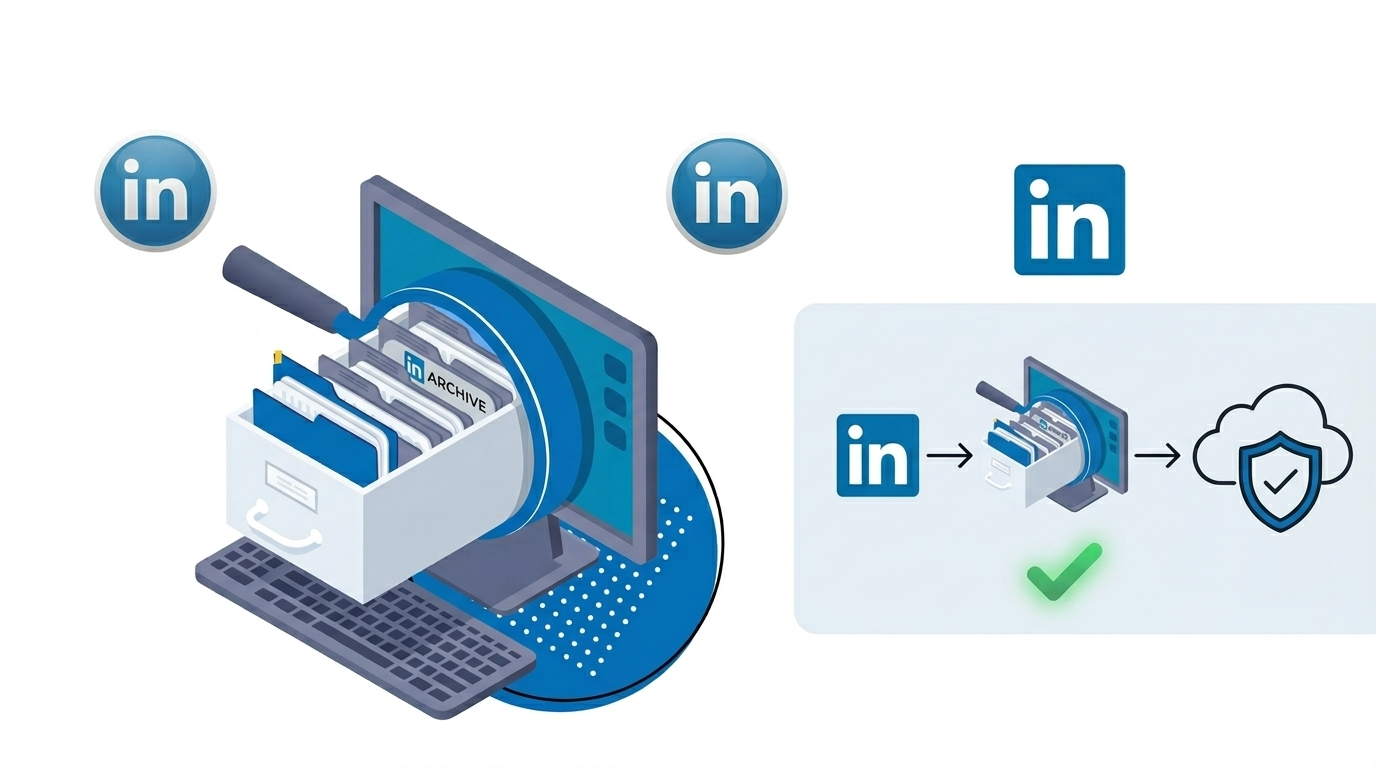
If you’re trying to remove a photo from a LinkedIn post but keep the comments, reactions, and overall conversation, the short answer is: LinkedIn still does not offer a true archive feature for regular posts in the same way some other social platforms do. So if you’re hoping to quietly hide a post from your profile without losing engagement, that’s still a frustrating gap for a lot of users.
And honestly, this comes up more often than people think. Maybe the image feels outdated. Maybe it includes someone who no longer wants to be featured. Maybe the post still matters, but one visual element doesn’t. That’s a very normal use case.
So What’s The Current Reality On LinkedIn?
Right now, LinkedIn generally gives you these options for a standard feed post:
Leave the post as it is
Delete the post entirely
Edit parts of the post, depending on the format and what LinkedIn allows at the time
What you usually can’t do is archive the post so it disappears from public view while preserving all comments and engagement exactly as they are. That’s the feature many users want, but it still hasn’t become a standard part of LinkedIn posting tools.
If your main goal is, “I want this off my profile, but I don’t want to lose the kind comments,” you’re basically running into a platform limitation rather than missing a hidden setting.
Why This Matters More Than It Seems?
An archive option would be useful for a lot of reasons:
Protecting privacy after posting a personal or event photo
Cleaning up older content without losing social proof
Removing outdated visuals while preserving thoughtful discussion
Managing professional branding more carefully over time
LinkedIn is different from fast-moving social apps because comments there often have real professional value. People leave recommendations, thoughtful feedback, congratulations, hiring-related replies, and industry insights. Deleting a post can feel like deleting part of your work history.
Can You Edit The Photo Out Of The Post?
In most cases, LinkedIn does not let you swap or remove an image from an already published image post while keeping the engagement intact. Text edits may be possible on some posts, but media edits are typically much more limited.
So if the photo is the issue, here are the questions worth asking yourself first:
Is the photo the only problem, or is the whole post no longer useful?
Would cropping, editing, or replacing the image actually solve the concern if LinkedIn allowed it?
Is preserving the comments more important than removing the visual?
Could a follow-up comment or updated post give enough context without deleting the original?
Those questions help because the best workaround depends on what you care about most: privacy, branding, or preserving the conversation.
What Are Your Practical Options Right Now?
Even without a formal archive feature, you still have a few paths.
1. Leave the post up and add context
If the photo is slightly uncomfortable but not harmful, one option is to leave the post live and add a comment or update elsewhere with fresh context. This works best when the concern is more about relevance than privacy.
For example, you could publish a new post saying the original moment was meaningful, but your work, branding, or team has evolved since then.
2. Screenshot or save the comments before deleting
If keeping the kind words matters most, save them first. That might mean:
Taking screenshots of comments and reactions
Copying meaningful comments into a document
Asking permission to reuse especially thoughtful feedback as testimonials
It’s not the same as preserving the live post, but it helps you keep the emotional and professional value of the responses.
3. Repost a cleaner version
If the original post still says something important, you could delete it and create a revised version without the photo. In the new post, you can acknowledge that you’re resharing it in a format that feels more current or more comfortable.
This does mean losing the original engagement, but sometimes clarity and control are worth more in the long run.
4. Adjust visibility where possible
LinkedIn settings change over time, so it’s worth checking your profile visibility, audience settings, and public profile controls. While this usually won’t archive a single post, it can reduce how broadly some content appears.
You can review LinkedIn’s help resources here: LinkedIn Help Center.
What LinkedIn Users Usually Want When They Ask For An Archive Feature?
When someone asks, “Has LinkedIn added archive posts yet?” they’re usually asking for one of these things:
Hide from profile, keep engagement
Remove media, keep comments
Make private without fully deleting
Store content for later reactivation
And that’s the real issue. People don’t always want a post gone forever. They just want more control over how their professional history is displayed.
It would honestly be a smart move for LinkedIn to offer this, especially for creators, job seekers, founders, and people managing personal branding over several years.
If This Is About Personal Branding, Here’s The Bigger Picture
One post usually isn’t the full problem. It’s often part of a larger question: How do I keep my LinkedIn presence professional, current, and still human?
That’s why it helps to think in layers:
Content layer: Are your posts still aligned with your current goals?
Visual layer: Do your images reflect how you want to be seen now?
Engagement layer: Which conversations are worth preserving?
Privacy layer: Are there any posts that reveal more than you’re comfortable with today?
If you review your LinkedIn profile through those four lenses, it gets easier to decide whether a post should stay, be deleted, or be replaced with something better.
Helpful Resources
If LinkedIn rolls out more post controls in the future, these sources are good places to watch:
These won’t create the archive feature for you, but they can help you catch updates early and understand any workarounds that become available.
Final Answer: Is There Progress On Archiving LinkedIn Posts?
As of now, for most users, there is still no widely available archive feature for standard LinkedIn posts that lets you hide a post without deleting the engagement attached to it.
So if you want to remove a photo from your profile but keep all the comments, you’re not missing something obvious. LinkedIn just hasn’t fully solved that use case yet.
The best next step depends on what matters most to you:
If privacy matters most, delete the post after saving the comments.
If engagement matters most, leave the post up and manage around it.
If branding matters most, replace it with a cleaner updated version.
If you manage LinkedIn actively, this is also a good reminder to think ahead before publishing visual content. Ask: If I want this off my profile later, what options will I actually have? On LinkedIn, that question matters.
Read more on our blog and follow us on LinkedIn:
EXEED Digitals