If you’re unsure whether non-career content on LinkedIn belongs on your feed, you’re not overthinking it. You’re protecting your reputation while trying to show you’re more than a job title. The key is simple: post human content, but frame it so it stays professionally useful.
What LinkedIn Is For Today and Why Non-Career Content on LinkedIn Can Fit?
LinkedIn isn’t only an online resume anymore. It’s where people build trust, evaluate credibility, learn from peers, and find collaborators, clients, hires, and referrals. That means non-career content on LinkedIn can work when it helps people understand how you think, how you work, and what you value.
LinkedIn also supports this directly by letting you add sections like Projects and Volunteer experience to your profile.
A Quick Self-Check Before You Share Non-Career Content on LinkedIn
Before you hit “Post,” ask yourself:
Would a colleague, client, recruiter, or future collaborator learn something useful about you?
Does this show a skill you use professionally, like communication, leadership, creativity, consistency, or problem-solving?
Does it show values you’re comfortable being known for, like mentorship, community, sustainability, inclusion, or continuous learning?
Can you connect it to a takeaway someone else can apply?
Would you still be comfortable if your manager or dream employer saw it?
If you get “yes” on 2 to 3 of these, your non-career content on LinkedIn is probably in a good place.
Volunteer Work Is Often the Easiest “Yes” for Non-Career Content on LinkedIn
Volunteer work usually translates well because it demonstrates traits people already look for professionally. Your volunteer posts tend to perform best when you show:
Leadership: organizing, coordinating, guiding others
Impact: what changed, what was achieved, who benefited
Consistency: ongoing effort, not only a one-time moment
Learning: what you tried, what surprised you, what you’d improve
If you want a clear reference on describing volunteer work in a professional way, this guide is practical and widely used.
Example angle you can use (natural, not corporate):
You share what you did, add one line of context, then list 2 to 3 lessons that map to real skills. You’re not posting “private content.” You’re documenting leadership, coordination, or communication through a real moment.
Private or Side Projects Can Be a Big Advantage for Non-Career Content on LinkedIn
Private projects can work especially well if you’re early-career, pivoting industries, freelancing, or trying to stand out beyond your current role. Your side project becomes strong non-career content on LinkedIn when you make it specific and learnable.
Side projects land well when they are:
Skill-based: you built, wrote, designed, researched, edited, automated
Documented: screenshots, a short demo, a simple before-and-after
Reflective: what you learned and what you’d change next time
Relevant: even loosely connected to the direction you want to grow in
A useful way to frame any project is the XYZ-style accomplishment structure, which pushes you toward outcomes and clarity instead of vague claims.
What Usually Doesn’t Work as Non-Career Content on LinkedIn Without Better Framing?
Some topics aren’t “forbidden.” They just need extra care, or they’ll attract the wrong attention.
Be cautious with:
Hot political takes, unless it’s clearly your lane professionally
Very personal family updates (you’re allowed boundaries)
Vague motivation posts with no story, no context, no lesson
Employer rants (even when justified, they can scare off future opportunities)
Anything that can’t be connected to a professional takeaway
A helpful rule: if you’re posting mainly for emotional release, keep it private. If you’re posting to document growth, teach, connect, or share a repeatable lesson, LinkedIn can be a good home.
The Best Middle Ground for Non-Career Content on LinkedIn
Your strongest presence usually blends:
What you do (role or direction)
How you do it (values, standards, approach)
Proof (projects, outcomes, lessons)
You as a human (light context, real voice, respectful boundaries)
Professional does not mean robotic. Professional means clear, relevant, and thoughtful.
If you want to study how one creator structures practical posts and systems, you can learn from Justin Welsh’s approach to content structure. Use it for frameworks, not imitation.
Templates You Can Copy for Non-Career Content on LinkedIn
1) Volunteer template
What you did (one sentence)
Why it mattered to you (one sentence)
What you learned (3 bullet points)
Thank-you plus invitation (one line)
2) Side project template
The problem you wanted to solve
What you built or improved
What was harder than expected
What you’d do differently next time
Link or demo plus one clear question for feedback
3) Personality, still professional
A small behind-the-scenes moment (1 to 2 lines)
The work lesson behind it
A question for others to share their approach
Good closing questions:
“How do you decide what’s too personal for LinkedIn?”
“Do you share volunteer work here, or keep it separate?”
“If you’ve posted a side project, what kind of feedback helped most?”
Your Audience and Goal Decide How Much Non-Career Content on LinkedIn You Share
If you’re job searching: show projects, learning progress, volunteer leadership, collaboration
If you’re freelancing: show process, proof, outcomes, testimonials, behind-the-scenes
If you’re building a brand: share values, opinions in your lane, case studies, lessons
If you’re in a conservative industry: keep it structured, still human, just tighter framing
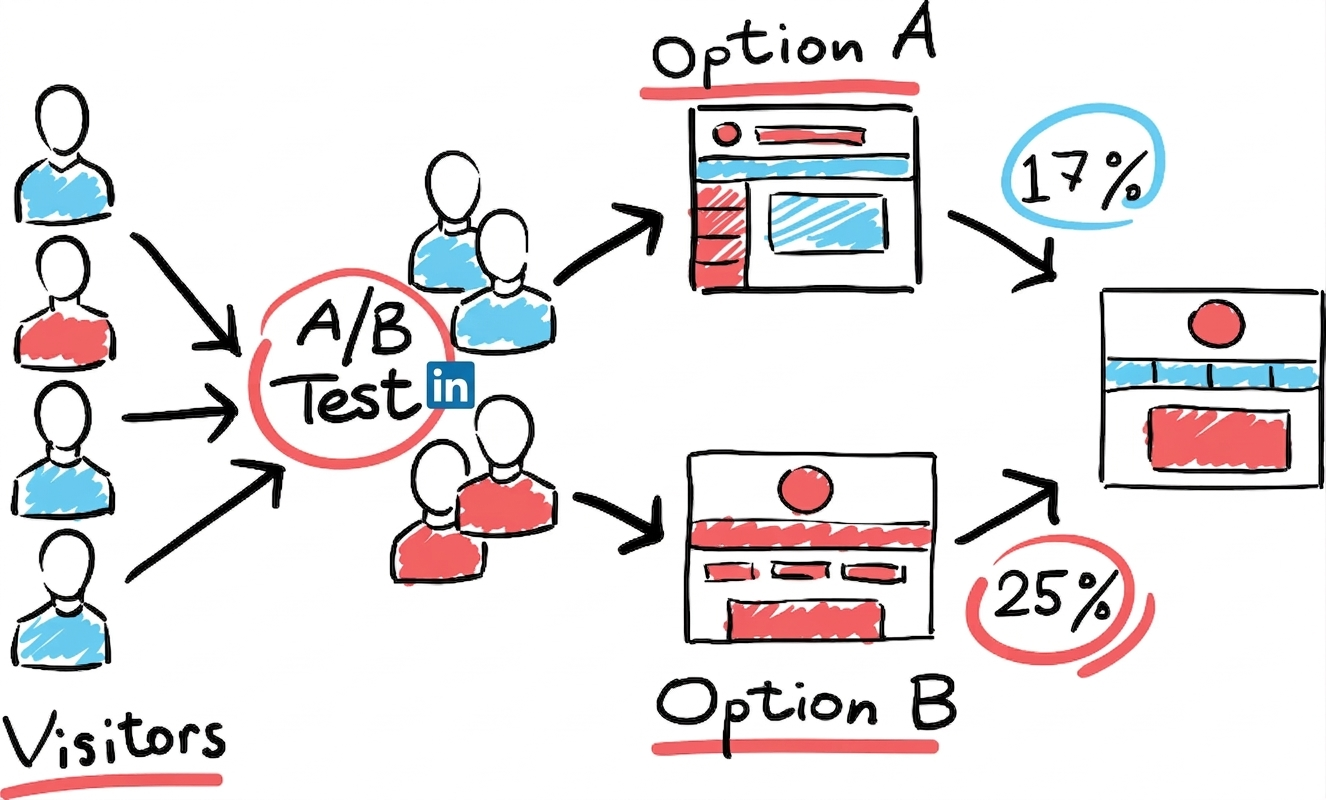
You can also test gently: post once, observe response, then adjust tone and frequency.
So, Is Non-Career Content on LinkedIn Inappropriate?
No. Non-career content on LinkedIn becomes a problem only when it’s unrelated and unframed, overly intimate for a work network, disrespectful, or impossible for others to learn from.
If you connect what you share to skills, values, impact, or learning, you’re using LinkedIn the way it actually works.
Read more on our blog and follow us on LinkedIn: