Why Is LinkedIn Showing the Wrong Job Title?
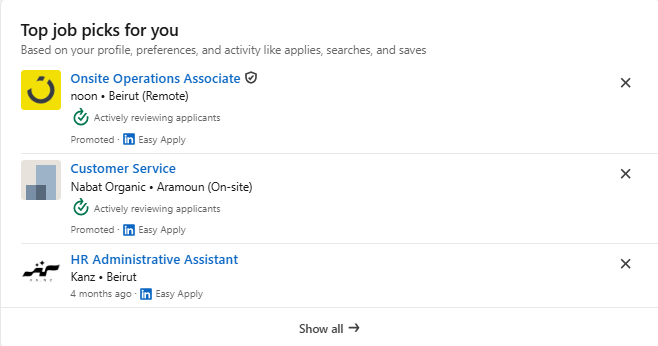
If your profile title is correct but LinkedIn keeps showing you job recommendations, emails, or search labels tied to a different role, you’re not alone.
The platform uses multiple role signals, and not all of them come from your visible profile.
Below is a clear, step-by-step guide to why the wrong title may appear and how to fix each possible source.
Where Is the Wrong Job Title Appearing?
Identify where the incorrect title is showing up, because each area is controlled by different LinkedIn systems:
Job-related emails
Job recommendations in your dashboard
Suggested edits when updating your experience
Internal or external search results
Notifications or content suggestions
These clues point to whether the issue stems from job alerts, preferences, profile data, skills, or inferred personalization signals.
1. Check Your Job Alerts (Most Common Cause)
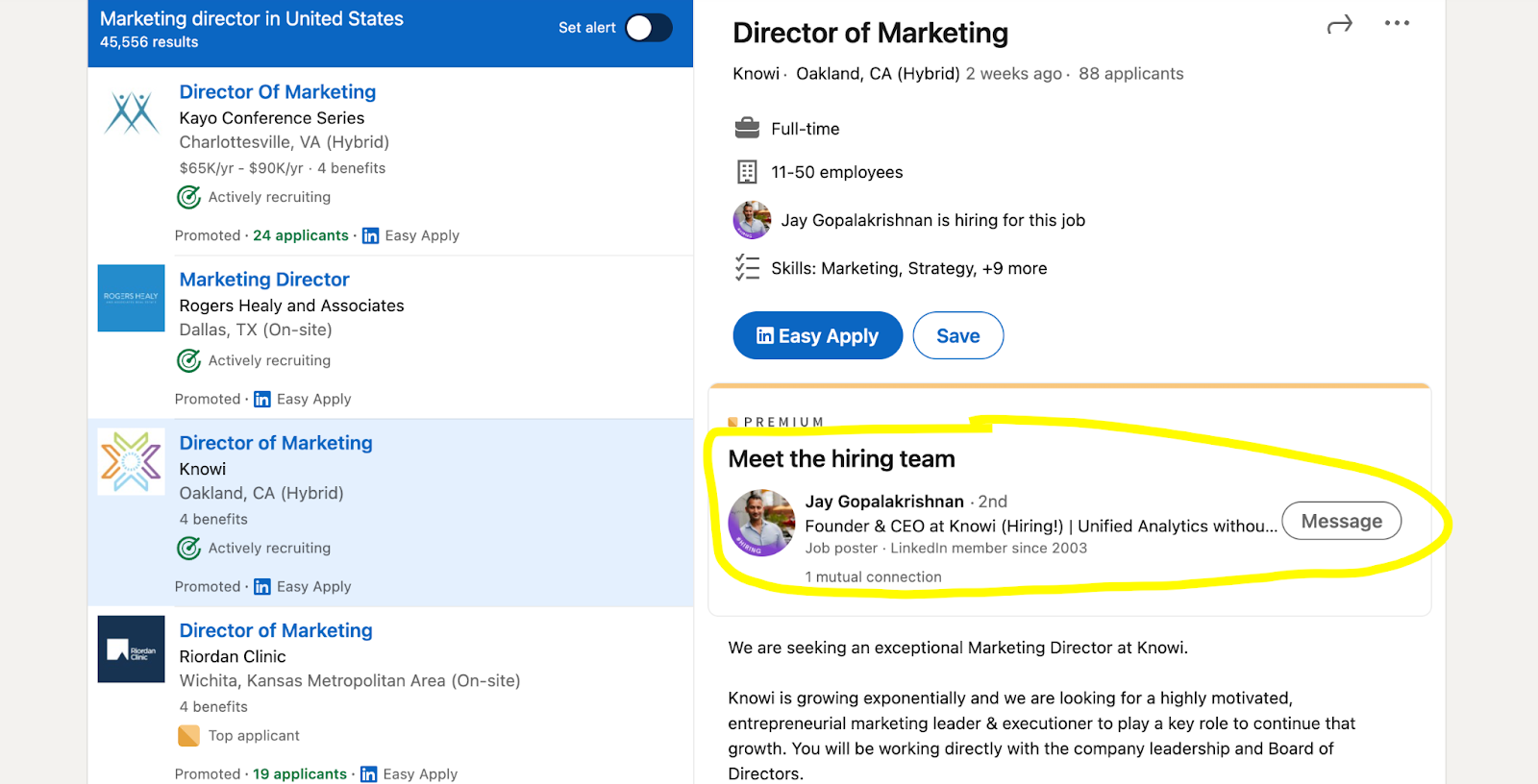
If you receive emails about a title you don’t want, you likely have an active Job Alert for that role.
How to fix it:
Go to Jobs on LinkedIn.
Search for any job title.
Use the Job Alert toggle.
Select Manage alerts and delete alerts tied to the incorrect title.
Helpful link:
2. Review Your Job Preferences
LinkedIn stores a private desired job title separate from your profile. If this signal is incorrect, recommendations will follow it.
Where to check:
Jobs → Preferences
Review:
1. Desired job titles
2. Job types
3. Job locations
4. Open to Work settings
Remove unwanted titles and add the correct ones you truly want.
3. Adjust Email Notification Settings
Even after fixing alerts, some emails may continue temporarily.
To reduce these:
Go to Settings & Privacy
Open Communications → Email
Limit:
Job alerts
Suggested jobs
Job recommendations
4. Re-Check Your Experience Section
Your profile may be correct, but LinkedIn can infer a different title if keywords signal a different specialization.
Review:
Job title
Company page association
Industry
Description keywords (avoid unintentionally signaling unrelated specialties)
Pattern-matching algorithms may misclassify roles if your description includes extensive keywords from another field.
5. Review Your Skills
Skills heavily influence job suggestions.
Remove skills that do not reflect your actual work, especially if they relate to a job title you don’t want.
Go to:
Profile → Skills
Delete or reorder skills that may be misleading.
6. Clear Inferred Personalization Signals
If you previously clicked on jobs related to the wrong title, LinkedIn may continue recommending them.
Check Settings & Privacy for:
Ads
Data privacy
Interest categories
Personalization signals
Official LinkedIn Ad Personalization Info
7. Check External Search Results (Google)
Sometimes the wrong title appears in search engines like Google due to:
Cached versions of your profile
Old resumes uploaded to job applications
External sites that scraped outdated data
Search engines refresh automatically, but it may take time.
8. Contact LinkedIn Support
If everything appears correct, but the wrong title keeps showing:
You can reach support through:
Contact Us or Report a problem (availability varies)
Premium accounts often receive faster support
Include:
Screenshots
Where the incorrect title appears
When it started
The correct title on your profile
Quick Fix Checklist
Delete any job alerts tied to the wrong title
Update job seeker preferences
Adjust email notifications
Review your Experience section
Update Skills
Clear personalization and interest categories
Contact support if the issue persists
Why This Matters for Career Visibility
Having the wrong job title associated with your profile can affect:
Recruiter searches
Suggested job matches
Professional networking recommendations
How hiring systems categorize your expertise
If you want expert support optimizing your presence, professional LinkedIn agencies like EXEED Digitals specialize in profile audits, visibility improvements, and job-seeker optimization.
Read more on our blog and follow us on LinkedIn