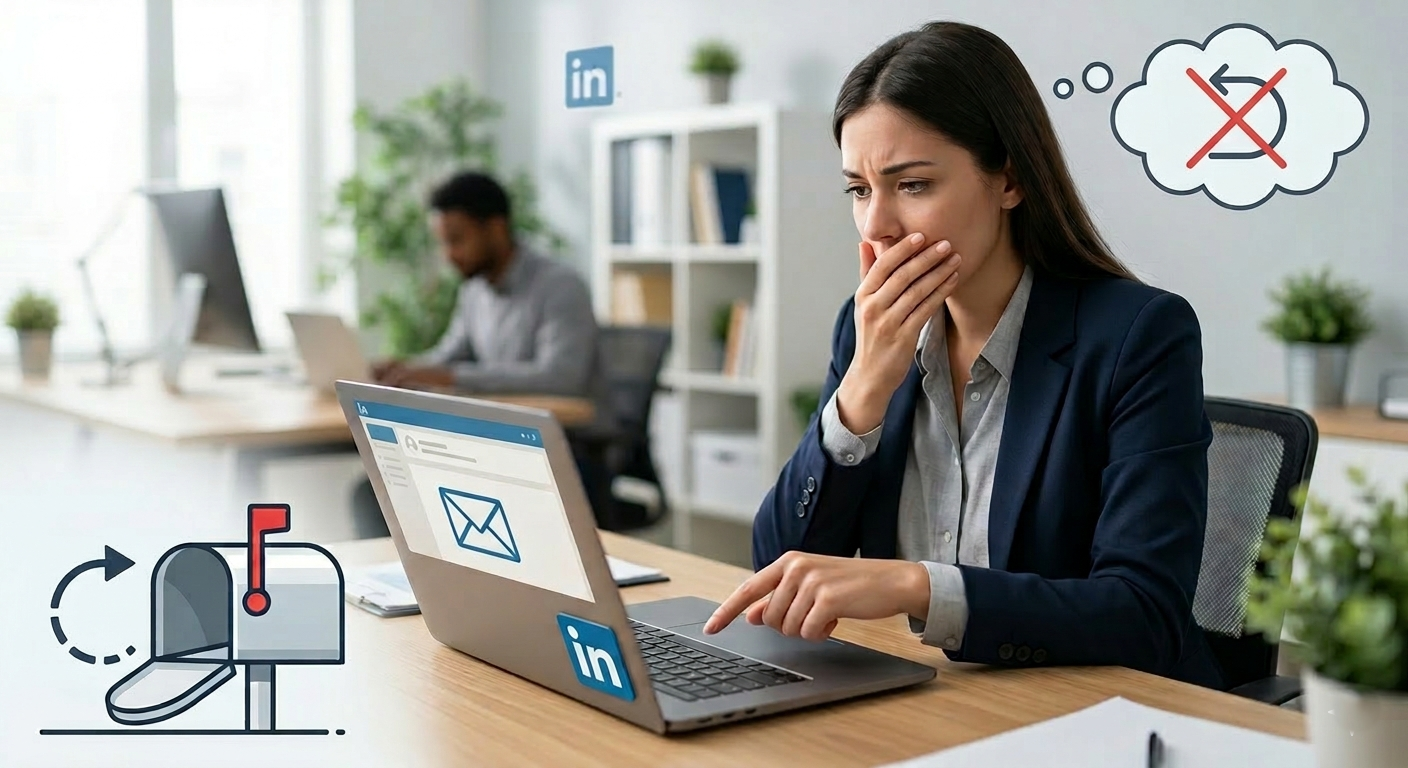
If you sent a LinkedIn InMail and immediately regretted it, you’re definitely not the only one. A lot of people have that moment where they hit send, reread the message, and think, “Wait, can I take that back?”
The short answer is: probably not in the way you want. If your goal is to completely erase an InMail from the recipient’s inbox, LinkedIn does not really give users a clean “unsend” button like some email tools do for a few seconds after sending. So if you’re wondering whether blocking someone, deleting your account, or removing the conversation will make the message disappear on their side, the realistic answer is that it usually won’t.
That’s frustrating, sure. But there are still a few practical things you can do next, and it helps to understand how LinkedIn messaging actually works before you make the situation worse.
So, Can You Actually Remove An InMail From Someone Else’s Inbox?
In most cases, no. Once an InMail has been successfully sent through LinkedIn’s system, it is generally delivered to the other person’s inbox. Even if they have not opened it yet, that doesn’t necessarily mean it can be recalled.
People often ask questions like:
If I block them, does the InMail disappear?
If I delete my account, will the message be deleted too?
If they haven’t read it, can LinkedIn retract it?
Unfortunately, the safest assumption is this: if the message was sent, the recipient may still be able to see it.
Blocking someone may hide the conversation from your view or stop future interaction, but it does not reliably function as a recall tool. Deleting your account also does not usually act like a wipe command for content already delivered to another user.
Why Deleting Your Account Probably Won’t Help?
This is a common idea, especially when someone is panicking and wants the fastest reset possible. But deleting a LinkedIn account mainly affects your profile and your future access. It does not necessarily remove messages that were already sent and stored in another person’s inbox.
Think of it this way: once the platform has delivered a message to another user’s message center, that content is no longer sitting only on your side. So even if your account disappears afterward, the message may still remain visible in their conversation history.
That means deleting your account over one awkward InMail is usually too extreme and not very effective.
What Should You Do Instead?
If the InMail was embarrassing, sent to the wrong person, too aggressive, too personal, or just badly worded, here are the most useful next steps.
1. Pause before doing anything dramatic
First, take a breath. A lot of messages feel worse to the sender than they do to the person reading them. Most professionals on LinkedIn are not spending their day obsessing over one awkward message in their inbox.
Ask yourself:
Was the message actually offensive, or just a little awkward?
Did it reveal anything sensitive?
Was it sent to the wrong person entirely?
Is there a real risk, or mostly social discomfort?
That distinction matters.
2. Send a short follow-up if needed
If the original InMail created confusion, a calm follow-up can help more than trying to vanish. Keep it simple. No long explanation. No over-apologizing.
For example:
“Sorry, that message was sent in error. Please disregard.”
“Apologies, I phrased that poorly in my last message. What I meant was…”
“That note was meant for someone else. Sorry about that.”
This works because it shows professionalism and reduces the weirdness fast.
3. Review your LinkedIn privacy and messaging habits
If this happened once, it can happen again. So it’s worth tightening your workflow. Before sending InMail, double-check:
The recipient’s name and profile
Your tone
Whether your ask is clear
Whether the message sounds too automated or too personal
Whether you’d be okay with the message being screenshotted
That last point is important. A good rule for any professional platform: never send a message you wouldn’t be comfortable seeing quoted back to you.
What Does LinkedIn Officially Allow?
LinkedIn does let users manage conversations to some extent, but message control is limited once something has been sent. LinkedIn’s Help Center is usually the best place to confirm current features and limitations because the platform updates things over time.
You can read more here:
If you’re specifically dealing with blocking, privacy, or account closure, those sections can clarify what changes on your side versus what remains visible to others.
If They Never Opened It, Does That Improve Your Chances?
Emotionally, yes. Technically, not much.
If a message is unopened, there is always a chance the recipient may never read it. People ignore LinkedIn inboxes all the time. They may miss it. They may archive it. They may never log in again for weeks. So there is some practical comfort there.
But unopened does not mean retractable. It simply means it has not been viewed yet, as far as the platform indicates.
So if you’re hoping for a secret loophole like, “I’ll delete my account before they open it,” that is probably not something to count on.
How To Handle The Situation Professionally If You’re Really Worried?
If this is a serious concern, maybe because the message involved a client, a recruiter, a prospect, or a senior contact, here’s a cleaner approach:
Do not spam follow-ups. One clarification is enough.
Do not delete your whole account impulsively.
Do not assume blocking fixes delivery.
Do document what happened if the message relates to work, compliance, or outreach activity.
Do improve your outbound process so it’s less likely to happen again.
This is especially relevant if you use LinkedIn heavily for lead generation, recruiting, partnerships, or brand outreach. One bad message does not usually ruin a relationship, but repeated sloppy messaging can.
A Better Long-term Fix: Improve How You Send Outreach In The First Place
If this post is really about avoiding this kind of stress again, the real solution is having a better messaging system.
That includes:
Using message templates carefully, not blindly
Personalizing only after checking the right profile
Keeping first-touch outreach respectful and brief
Avoiding emotional, reactive, or overly familiar language
Having someone review your outreach strategy if LinkedIn matters to your business
There are also some useful resources on professional outreach and digital communication that can help shape stronger habits:
Final Answer: What’s The Honest Takeaway?
If you sent a LinkedIn InMail and want it gone from the recipient’s inbox, there usually isn’t a reliable way to make that happen. Blocking them may limit interaction. Deleting your account may remove your presence. But neither option should be trusted as a guaranteed way to erase a delivered message.
Your best move is usually one of these:
Leave it alone if it’s only mildly awkward
Send a brief correction if necessary
Use this as a reminder to tighten your outreach habits
That’s the calm, realistic answer.
Read more on our blog and follow us on LinkedIn: