What To Do If Your LinkedIn Account Is Blocked?
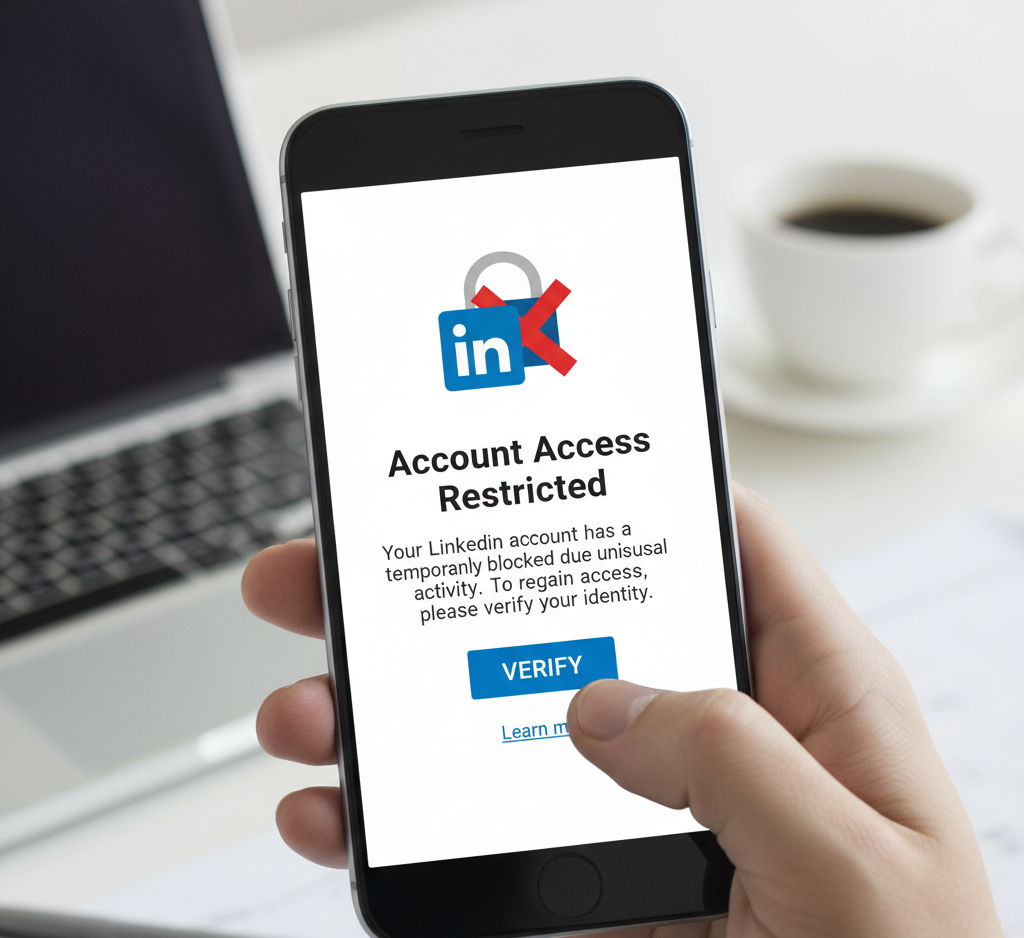
Getting your LinkedIn account blocked can be frustrating, especially when you don’t know why. If you’re a student (or anyone) in this situation, here’s a clear, step-by-step guide to help you appeal, troubleshoot verification issues (like Persona), and get back to networking without losing all your posts and connections.
Quick checklist before you start
Confirm the account email and phone are yours and accessible.
Gather screenshots: the “account blocked” message, the Persona “Try again later” screen, any emails from LinkedIn.
Have a short explanation of who you are, what you post, and why the account is legitimate.
Be patient, response times vary, but structured follow-ups help.
Why accounts get blocked (common reasons)
Suspicious activity: sudden mass connections, rapid follows/likes, or multiple logins from different locations.
Verification failure: third-party ID checks (Persona) failing or timing out.
Reported by other users for real or mistaken reasons.
Terms of Service or community guidelines violations (sometimes auto-detected).
System errors and false positives: These happen more than you’d expect.
Step-by-step: How to appeal a blocked LinkedIn account
1. Use the official appeal form first
Go to LinkedIn’s Account Access or Help Center pages and use the “Contact us” or “Appeal account restriction” form. Provide:
Full name and LinkedIn profile URL
Email address associated with the account
Clear, concise reason you believe the block is a mistake
Screenshots of errors (Persona, blocked notice)
Any supporting IDs if requested
You can contact support without logging in HERE
2. Keep your initial message factual and polite
Say who you are (student, field of study, goals on LinkedIn).
Explain you attempted Persona verification and received repeated “Try again later” errors.
Ask them to review logs or escalate if needed.
3. Follow up, but don’t spam
If no response in 5-7 business days, submit a follow-up via the same form or LinkedIn Help. Reference your earlier ticket number if provided.
Each follow-up should add new info if possible (e.g., new screenshot, change in circumstances).
Alternate contact routes (when the form stalls)
LinkedIn Help on Twitter/X: @LinkedInHelp: Public mentions sometimes prompt quicker support, but avoid sharing personal info publicly.
LinkedIn’s Contact page via web: there are category-specific forms (Account Access, Identity Verification).
In-app “Contact us” or “Help” links: If you can access the app with limited functionality, use it.
If you have a premium account (or access to a company admin), LinkedIn support can sometimes be faster via those channels.
Troubleshooting Persona verification errors
Persona is a third-party identity verification provider, and intermittent “Try again later” messages are not uncommon.
Clear browser cache or try a different browser/device.
Use a stable internet connection (not VPN or public Wi-Fi).
Try from a mobile device if desktop fails (or vice versa).
Ensure camera permissions are enabled for the browser or app.
Use an up-to-date ID (passport, driver’s license) with clear photos.
If Persona keeps failing, capture a screenshot and include it in your LinkedIn appeal; explicitly tell LinkedIn the verification vendor is returning an error.
What to say in your appeal (sample script)
“Hi LinkedIn Support,
My account (name: [Your Name], profile: [profile URL], email: [email]) has been restricted. I am a university student and use LinkedIn to share academic updates and connect with peers. I attempted identity verification via Persona multiple times but received a “Try again later” error each time (see attached screenshots). I believe this restriction is a misunderstanding. Please review my account and let me know what additional steps I can take to verify my identity. Thank you for your help.
- [Your name]”
Things NOT to do
Don’t create a new account immediately if you want to restore the old one, multiple accounts can complicate recovery and violate LinkedIn policies. Check User Agreement
Avoid posting publicly about the block with sensitive details: Public shaming rarely speeds verification and can leak personal info.
Don’t use aggressive language in support messages.
If LinkedIn asks for ID
Provide the exact ID requested and follow their formatting instructions (photo quality, visible edges).
Black out unrelated sensitive information if allowed, but don’t alter the ID.
Include a brief selfie (if requested) holding a handwritten note with the date and “LinkedIn verification”; follow Persona or LinkedIn instructions closely.
How long will it take?
Timelines vary. Some users get responses in 48-72 hours; others wait weeks. Follow-ups every 7-10 days are reasonable.
If you’re being referred up the chain, mention that in your follow-up to show continuity.
If the appeal is denied
Ask for clear reasons: What rule was violated and the evidence for it.
If permitted, correct any issue and request re-review.
As a last resort, you may create a new account, but preserve your content by downloading posts, connections, and requests where possible. Note: LinkedIn discourages duplicate accounts.
Questions to ask yourself (this helps craft your appeal)
Have I used automation tools that might trigger detection?
Have I logged in from many different countries recently?
Did someone else have access to my account?
Are any of my posts controversial or reported by others?
Did I try verification using the device and location where I usually log in?
Prevention tips once you regain access
Enable two-step verification (2FA).
Use a strong unique password and update it regularly.
Limit third-party apps with account access.
Keep your profile and email up-to-date.
Avoid aggressive networking behaviors (mass invites/messages).
When to consider getting professional help
If you’ve tried everything and your account stays blocked, it might help to work with a LinkedIn specialist or agency that understands appeal processes, verification nuances, and escalation routes. They can help craft appeals, present the right documentation, and sometimes expedite responses by knowing the right support channels.
Final note: Help is available
Dealing with a blocked LinkedIn account is stressful, but methodical documentation, clear communication, and persistence usually pay off. Keep records of every interaction, be patient, and follow the steps above.
For more useful information you can check our Blog and Follow Us on LinkedIn:

_