Why Is LinkedIn Posting So Hard?
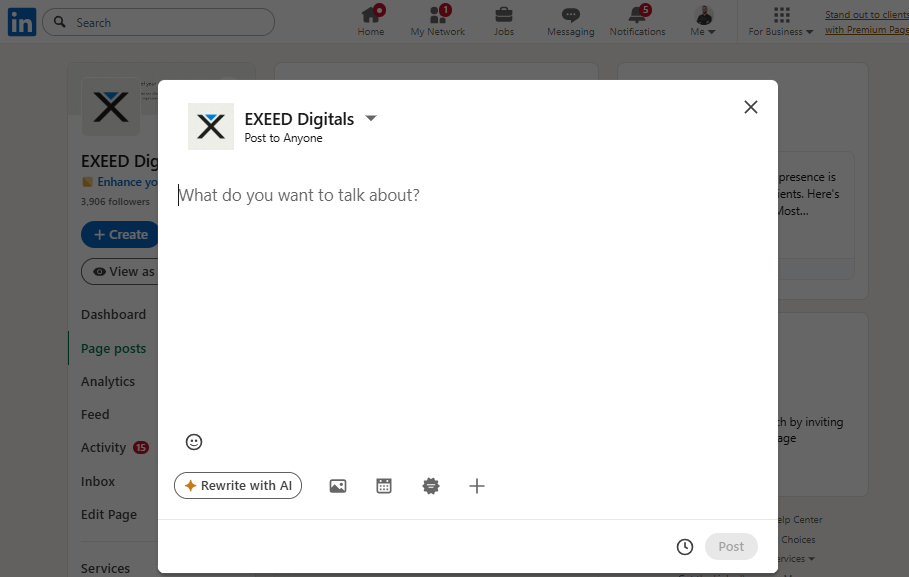
If you’ve ever hovered over the “Start a post” box and suddenly felt blank, you’re not alone. You can write clear emails, explain ideas at work, and present confidently. But LinkedIn posting can feel like you need a perfect angle, a polished personal brand, and the confidence of someone who never overthinks anything.
Most of the time, the real problem is not writing skill. It’s clarity: what you want to be known for, how you want to sound, and how to show up without feeling cringe, salesy, or fake.
Here’s why it feels hard, and what you can do to make LinkedIn posting feel more natural and sustainable.
1) LinkedIn feels like a stage, not a conversation
In real life, you communicate with context:
Someone asks a question, you answer
A problem happens, you explain what you did
A teammate shares something, you add your perspective
On LinkedIn, the prompt is basically: “Say something smart to everyone you’ve ever met, and also future employers.”
That shift turns a normal conversation into a performance.
Try this instead:
Ask yourself: If someone you like and respect asked me about this over coffee, what would I say?
Start there. That’s usually your most human voice.
If you want examples of simple, structured posts that still deliver value, skim Justin Welsh’s articles for patterns you can adapt to your style.
2) “What am I known for?” is heavy, so you avoid posting
Being “known for something” sounds like a finished identity. You probably do not feel finished, and you do not need to.
A more realistic target: a point of view.
A point of view can be small and specific, like:
“I help ops teams reduce chaos by building simple systems.”
“I care about accessibility in product design.”
“I’m learning what good leadership looks like in early-stage teams.”
Use this prompt:
“I want to be known for helping [who] with [what outcome] using [how].”
You can evolve it later. That’s normal. And it’s exactly how your lane becomes clear through repetition.
3) You keep searching for the “perfect angle,” but you need a repeatable system
A lot of LinkedIn posting gets stuck because of decision fatigue. Every post feels like you must invent a brand-new idea, structure, and hook.
Instead, build 3 to 5 repeatable content buckets you rotate. For example:
Lesson learned: “We tried X, it failed because Y, here’s what changed.”
Simple how-to: “If you’re doing [task], here’s the checklist I use.”
Myth vs reality: “People assume X. In practice, it’s closer to Y.”
Behind the scenes: “Here’s how we made this decision or fixed this issue.”
Opinion with nuance: “A take, with context and tradeoffs.”
When you have buckets, you stop asking “What should I post?” and start asking “Which bucket fits today?”
For a general sense of how LinkedIn frames professionalism and platform updates, the Official LinkedIn Blog is a useful skim.
4) The “cringe” feeling often comes from copying someone else’s voice
When you read high-performing posts, it’s easy to think:
“I’m supposed to write like that.”
“I need a dramatic hook.”
“I should sound confident even when I’m unsure.”
Then you try it, and it feels wrong, because it’s not your voice.
A practical rule:
Write like you speak, then edit for clarity, not for virality.
If you worry about sounding self-promotional, shift the frame:
Instead of “Look at me,” write “Here’s what might help you.”
Instead of “I’m an expert,” write “Here’s what I’m noticing in my work lately.”
If the anxiety ties into impostor feelings (very common with public posting), this APA overview is a grounded read.
5) You feel judged by multiple audiences at once
LinkedIn is a mixed room:
coworkers
old classmates
clients
recruiters
strangers in your industry
So you try to write something that works for everyone, and it ends up sounding like nothing.
Fix: Choose one default reader.
Write to one person, like:
“a junior person in my field”
“a peer at another company”
“a founder who needs the short version”
“a hiring manager trying to understand how I think”
You will sound more human because you are talking to someone, not broadcasting.
6) You overestimate how much originality you need
You do not need brand-new ideas. You need your lived version of ideas.
Your edge is usually:
the example you include
the tradeoff you mention
the mistake you admit
what you would do differently next time
Prompt:
“What do I understand now that I didn’t understand 12 months ago?”
That single question can power months of LinkedIn posting without trying to be a “thought leader.”
7) A simple workflow that makes LinkedIn posting easier
If you want low friction, do this:
Step 1: Capture tiny notes during the week (2 minutes at a time)
Keep a running list of:
questions people asked you
decisions you made
mistakes you fixed
frameworks you used
Step 2: Turn one note into a post using this template
Context: what happened / what you noticed
Point: the lesson in one sentence
Breakdown: 3 bullets with specifics
Question: invite input (without forcing engagement)
Natural closing questions:
“How do you handle this on your team?”
“What would you do differently?”
“Have you seen this in your industry?”
Step 3: Keep it short on purpose
Most strong posts are clear, not long.
To tighten clarity, Hemingway Editor is a practical tool for trimming clutter.
If you prefer learning visually, this YouTube LinkedIn content breakdown is a decent starting point (take what fits your style).
The real summary
When LinkedIn posting feels hard, it’s usually one of these:
you are not clear on your lane yet
you are worried you will sound cringe
you are imagining too many audiences judging you
you do not have a repeatable format
you are afraid of being wrong in public
All normal.
Once you pick a temporary lane, build a few buckets, and commit to being helpful instead of impressive, LinkedIn posting gets easier fast.
Read more on our blog and follow us on LinkedIn:
_